How to track leads to payment without losing momentum
Small teams need one practical workflow for follow-up, documents, approvals, projects, invoices, and payment collection. This guide shows how to build that system.
Start Free TrialBook Live Demo
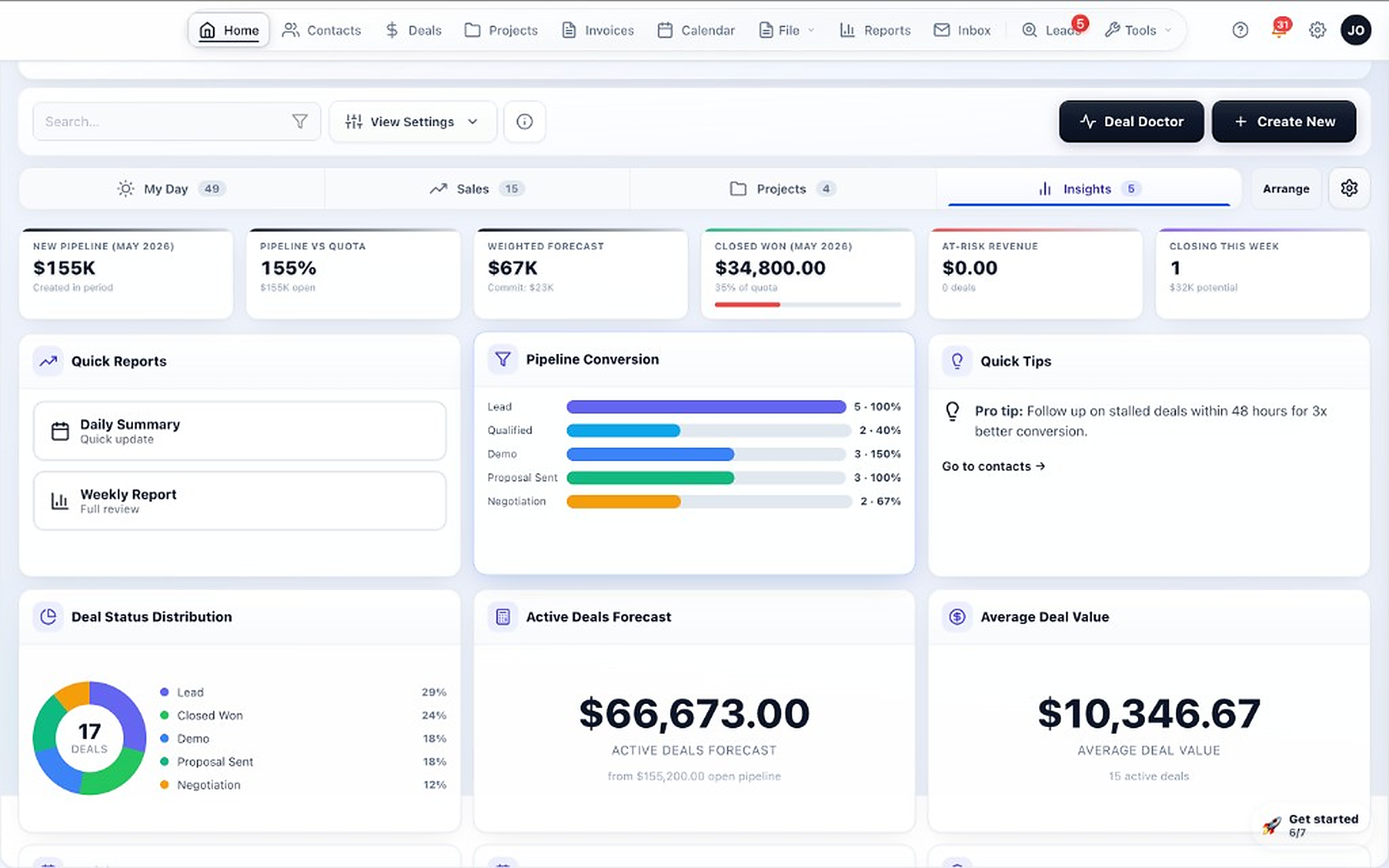
Step-by-step: how to track leads to payment
The goal is to keep the entire customer path visible in one system instead of breaking it across apps.
Where most teams lose visibility
Follow-up gaps
Leads go cold when the next step is unclear or hidden in email.
Approval bottlenecks
Documents and revisions get lost when review happens outside the main workflow.
Project handoff problems
Delivery teams lose scope and context when work moves into a separate app.
Payment lag
Invoices get sent, but status visibility is poor and follow-up gets delayed.
FAQs: tracking leads to payment
Do you need project management to track leads to payment?
If your team delivers work after the sale, yes. Project tracking helps connect the sold work to execution and final billing.
Should invoicing be part of the same system as the CRM?
For many small teams, yes. It gives better visibility from opportunity to revenue and reduces lost context at the billing stage.
How does TotalDeal help?
TotalDeal connects CRM, documents, approvals, projects, invoices, pay links, and payments in one workflow so the team can see the full lifecycle clearly.
Related pages
Lead-to-Payment Workflow
Read the broader operating model behind this guide.
CRM with Project Management
See how deal-to-project handoff works in practice.
Small Business CRM with Invoicing
See the billing-focused side of the workflow.
CRM with Document Management
See how files, approvals, and customer records stay together.
Track the full path from lead to payment
Start free and build the workflow with a real customer path.